The reveal is the reward
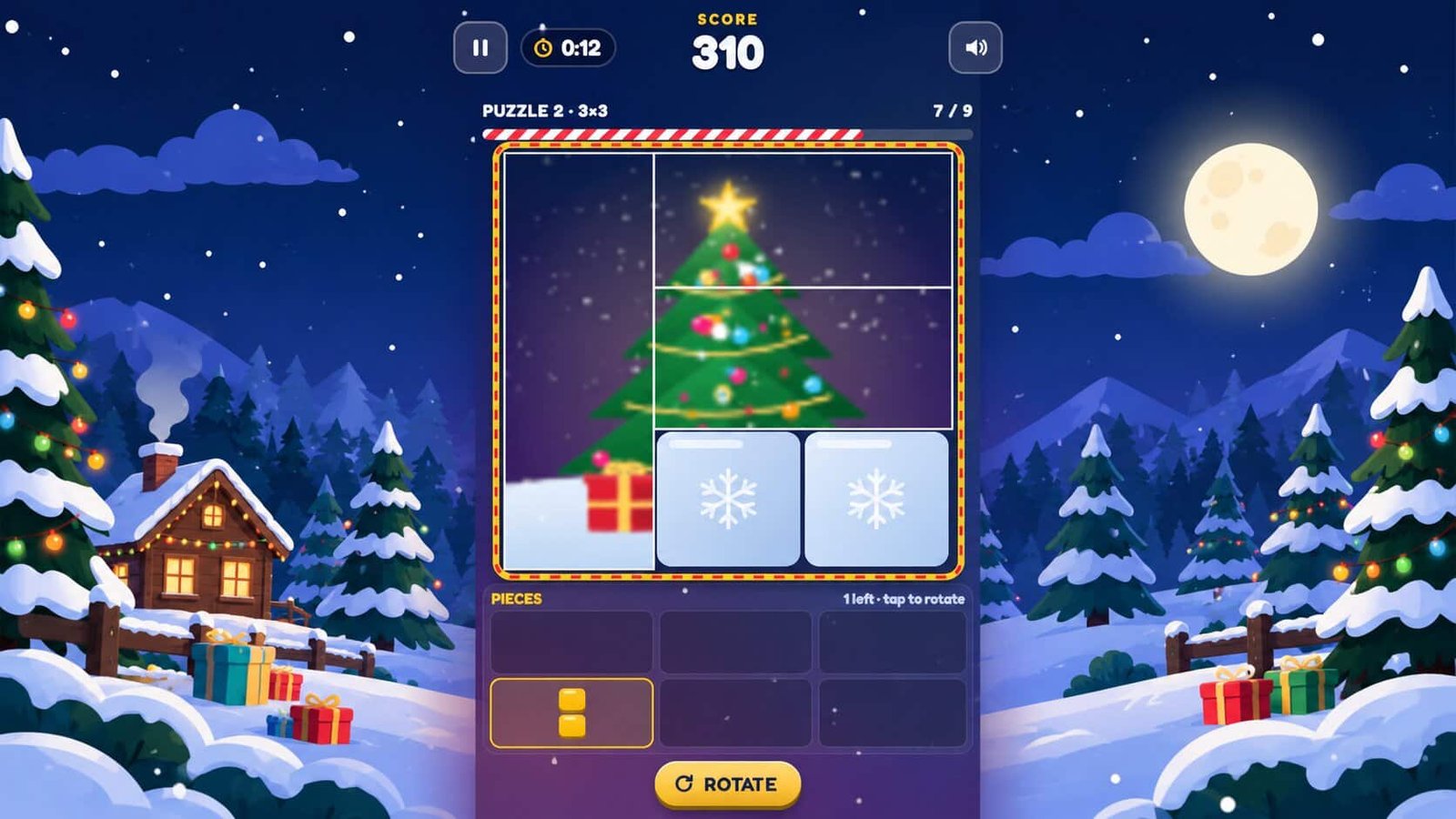
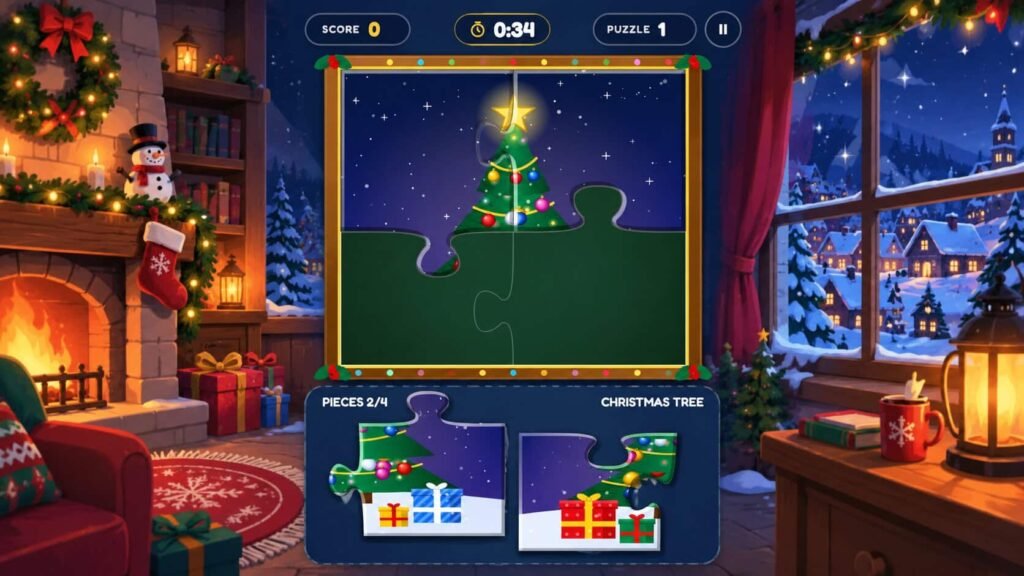
The frost hides the whole picture at the start of every puzzle. Players only see it as they fill the board, so there is a real reason to finish.
A 60-second holiday puzzle for booths, parties and campaigns. Players fit blocks onto a frosted board to reveal a hidden picture, and that picture can be yours.
Jingle Blocks is a Christmas puzzle game that runs in the browser. Every puzzle starts with a board of frosted tiles and a tray of block pieces. Players drag a piece onto the board, and the tiles under it clear to show part of a hidden picture.
When every tile is filled, the picture comes into sharp focus and the next puzzle begins. The boards start at 3 by 3, grow to 4 by 4, then settle at 6 by 6. A round lasts 60 seconds, so players clear as many pictures as they can before time runs out.
The pictures are where your brand comes in. Swap the built-in holiday art for your logo, product shots or campaign images, and every finished puzzle ends on your message.
The game has a simple payoff: finish the board, see the picture. Everything else is built to get people playing fast.
The frost hides the whole picture at the start of every puzzle. Players only see it as they fill the board, so there is a real reason to finish.
A fixed 60-second round keeps your line moving. The clock starts after the tutorial and pauses during the celebration between puzzles.
The first puzzle is a guided tutorial in five short steps: drag, rotate and place. The pieces players place during it count toward their score.
Each round ends on a top 10 leaderboard, which gives people a reason to try for a better score.
Pick a block from the tray and drag it over the frosted tiles. A green ghost shows where it will land. Red means it won't fit.
Tap a piece or press the Rotate button to turn it a quarter turn. On a keyboard, press R or Space. Pieces can turn but never flip.
Cover every tile before the 60 seconds run out. The picture sharpens, the points add up, and a new puzzle starts.
Want to see it in action before you ask for a quote?
Play the gameThe pictures, the message and the leaderboard can all carry your brand.
Replace the ten built-in holiday pictures with your logo, product shots or campaign art. Run only your own images, or keep some holiday art in the mix. Square images of 720 pixels or more work best.
The main menu has a brand message area, so your campaign line or offer is in front of players before they press Start.
The score screen asks players for a name and email. The game is built to connect to your own leaderboard or sign-in backend.
Send your logo and brand guide with your request and we'll share a proof for you to approve. Want different colors too? Tell us and we'll confirm what's possible.
How the game plays and what it runs on.
Jingle Blocks is seasonal, quick to learn and played in short rounds. That suits places where people have a minute to spare, not an hour.
A 60-second round fits a busy aisle. Visitors play, see the picture, and your team has an easy reason to start a conversation.
Share the game by link or QR code. The score screen asks for a name and email, and the game is built to connect to your own backend.
The top 10 leaderboard adds friendly competition to office parties, client evenings and team days.
Try a 60-second round. Your first start includes a short guided puzzle, so you can jump straight in. On a phone or tablet, the game opens in a full window.
Trouble playing? Open the game in a new tab
Pick a format that suits your space, audience and budget. Every game carries your logo, colors and message.
Running more than one activation, or still comparing formats? These games carry your logo, colors and message too.
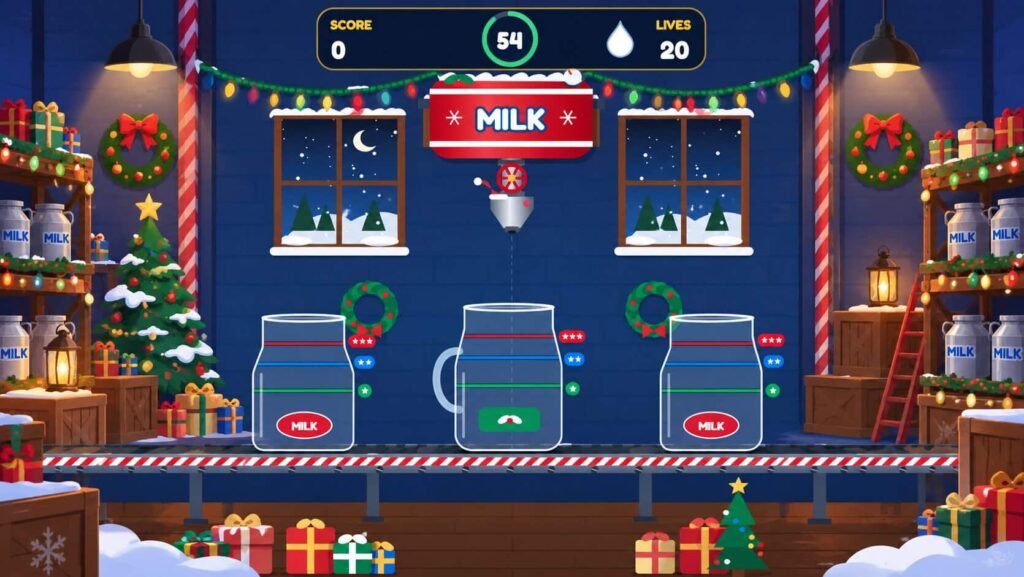
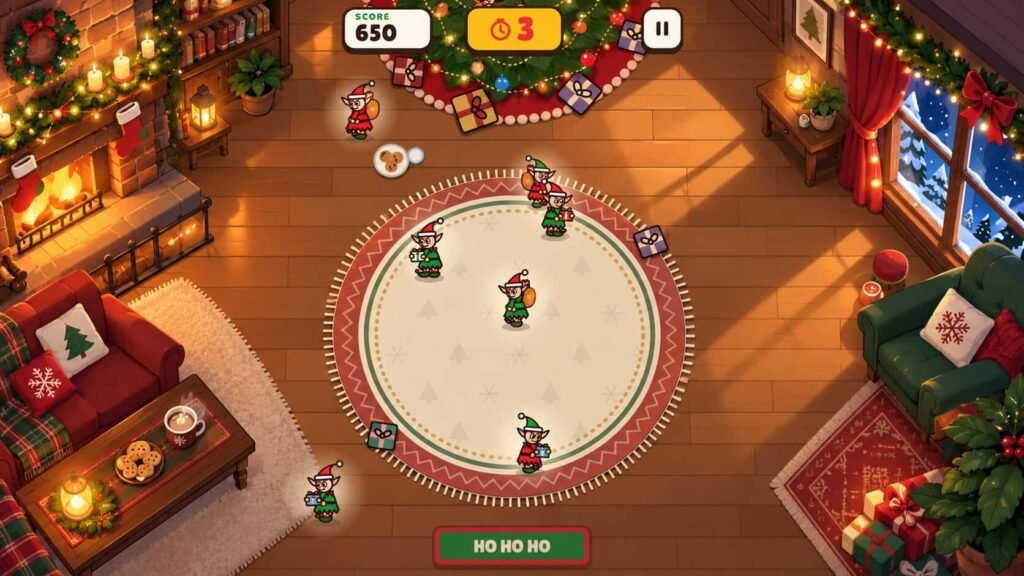
A round is 60 seconds. The timer starts after the guided tutorial, pauses while a finished picture is celebrated and turns red in the last 10 seconds. Players finish as many pictures as they can before it runs out.
Yes. The game can use your own images instead of the built-in holiday art. Any aspect ratio works because pictures are cropped to a square, and square images of 720 pixels or more look best. Send them without grid lines, since the board divides each picture itself.
Yes. It runs in mobile and desktop browsers from the same build, with no app to download. On a phone, players drag pieces and tap to turn them. On a computer they use a mouse, with keyboard shortcuts for turning pieces and pausing. The game screen is portrait, so on a wide monitor it sits in the centre with a snowy backdrop on the sides.
After a round, players see an optional form asking for a name and email, then a top 10 leaderboard. Out of the box, scores are kept in the player's own browser. The game is built to connect to your existing leaderboard or sign-in backend, so tell us what you use in your quote request.
Tell us about your event, your audience and your budget. We'll come back with games that fit.